 🇬🇧 #1|🌍 Top 4
 Certified Specialists
🇬🇧 #1|🌍 Top 4
Certified Specialists
Certified Specialists
🇬🇧 #1|🌍 Top 4
Certified Specialists
Five steps to a CRM your reps can trust. The first four are the cleanup everyone does. The fifth, the one most teams skip, is what stops it drifting straight back.
Short answer: dedupe, standardise, enrich, score, then install an automated hygiene loop so it stays clean. Contact data decays around a quarter a year, so a one-off cleanup looks fixed for a quarter and then drifts back. The loop is the part that actually lasts.
Reconcile duplicate companies and contacts so one record is the source of truth. This alone often reclaims a surprising share of "pipeline" that was double-counted.
 ContactsCompaniesDealsData Quality
Normalise names, domains, job titles, geographies and formats so filters and routing actually work.
ContactsCompaniesDealsData QualityFill missing firmographics, contact details and signals through a waterfall across multiple providers, rather than one source that misses a third of your accounts.
ContactsCompaniesDealsData QualityPut a fit score on every record so reps spend time where it pays, instead of treating a clean database as an undifferentiated list.
ContactsCompaniesDealsData QualityAutomate re-checks and re-enrichment on a schedule, flag decay, and reconcile new duplicates as they appear. This is the step that turns a cleanup into a CRM that stays clean.
ContactsCompaniesDealsAutomationContact and company data rots at roughly a quarter a year. A one-off cleanup looks fixed for a quarter and then drifts straight back.
Without an automated loop, reps are quietly working around the CRM again within three months. The cleanup is not the fix.
We clean the database once, then build the hygiene engine that keeps it clean, proven on your records, owned by you.
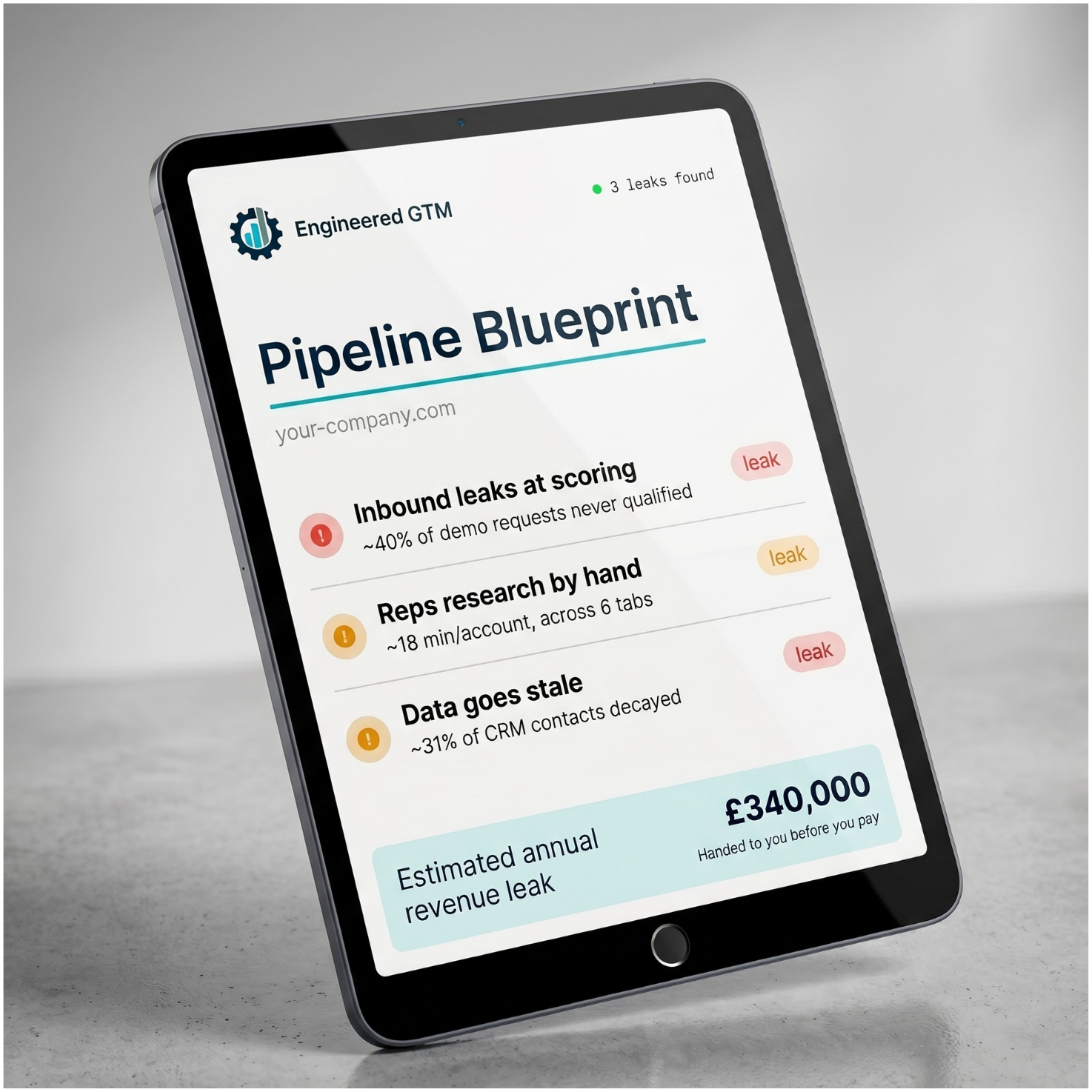
Score your GTM in three minutes for the pound figure on the pipeline leaking through bad data. No email to see it. Then we hand you the blueprint of exactly where it leaks, before you pay a thing.